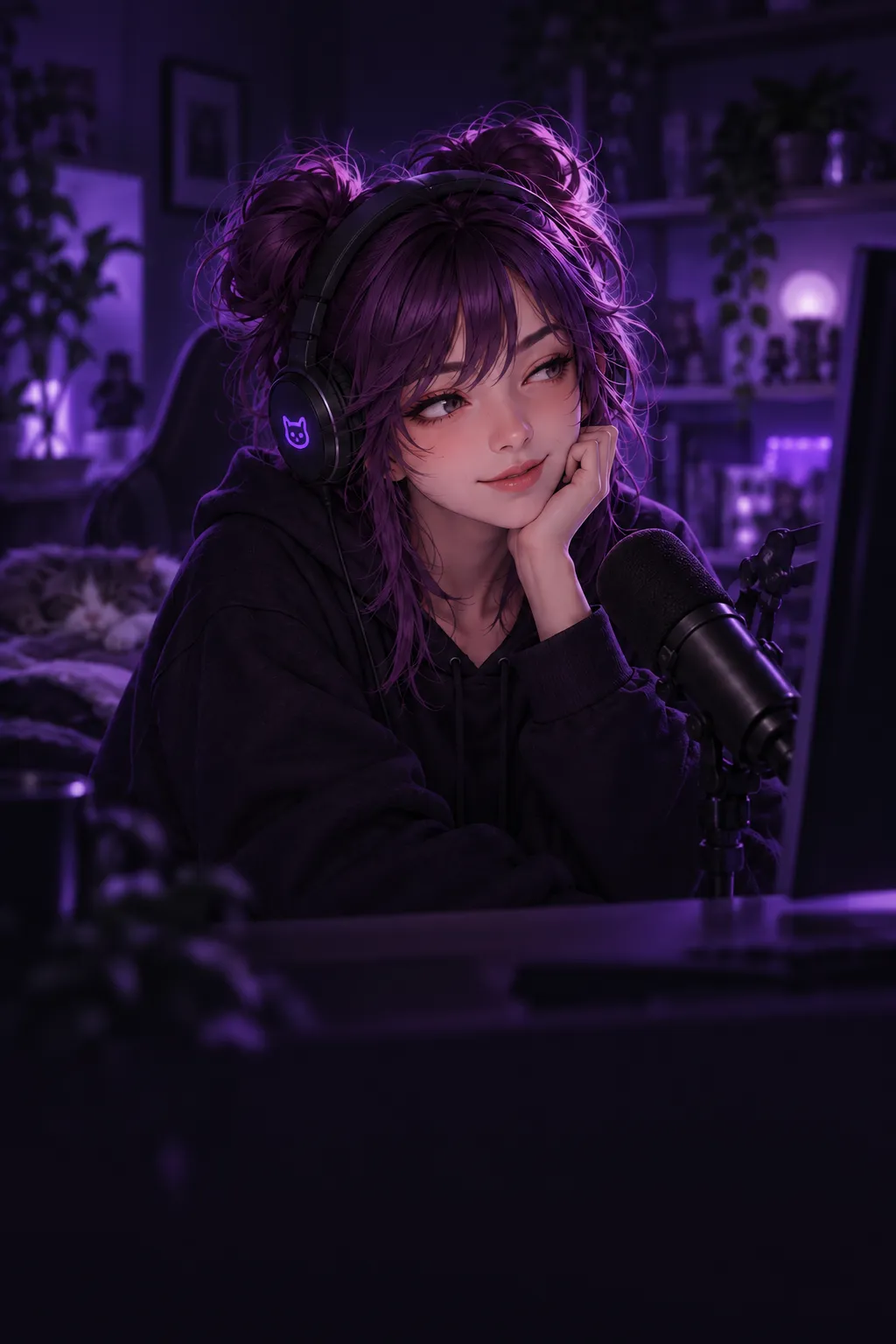
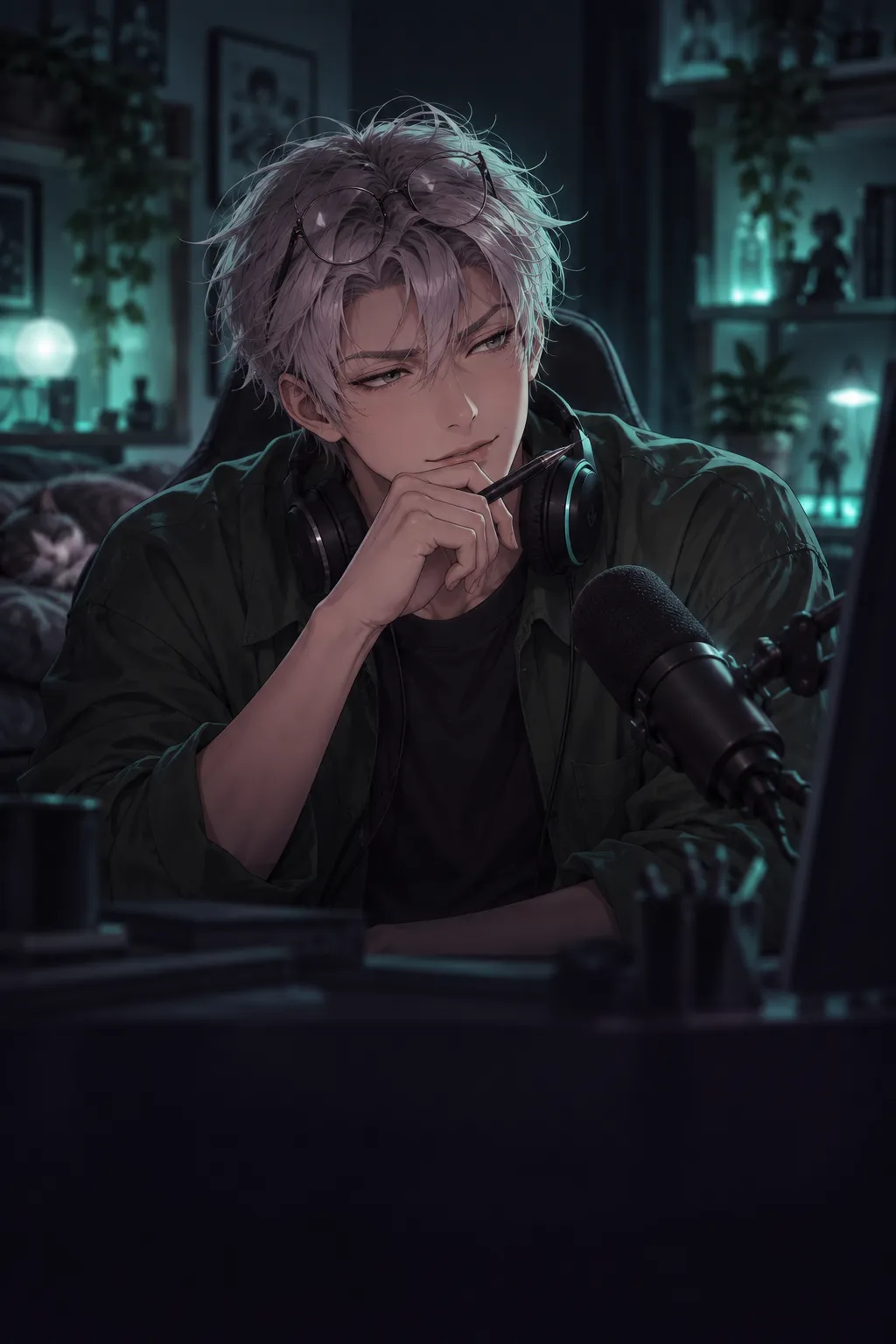
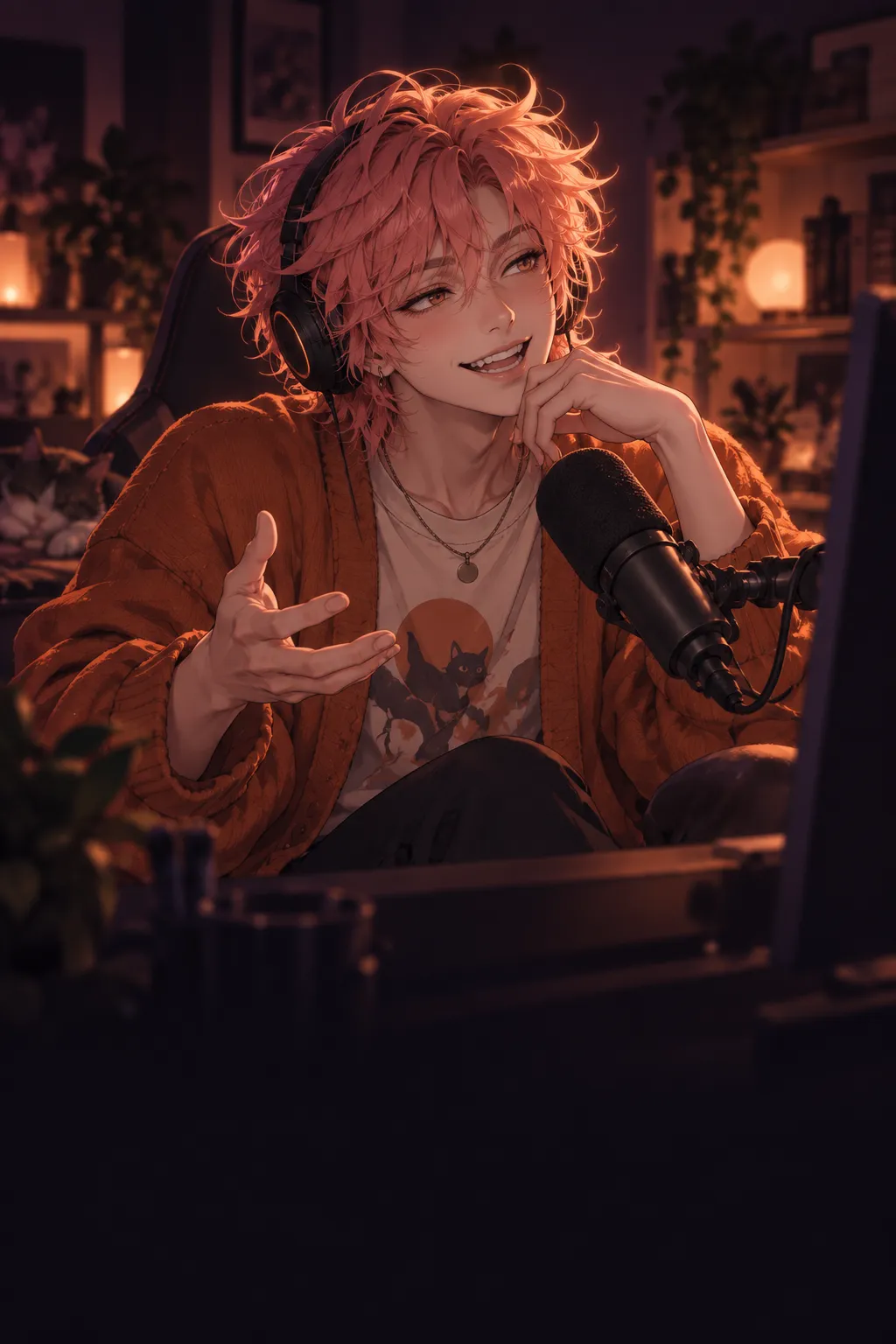
Your stream hassomeone to talk to.
A voice character for your stream. It answers donations and chat out loud in OBS, remembers your viewers, and lets you have the last word.

night_owl$5
One more match and then I'm definitely going to bed.
Nika
“One more” is a genre by now, not a number.
- On air Answers donations out loud in OBS. You can edit or skip a line before it airs.
- In chat Viewers call it by name and get an answer, out loud for channel points.
- Memory Remembers viewers and your shared jokes. You can see, fix or forget it.
It brings the personality.You keep the last word.
Between a donation and the broadcast there is room for your decision. Everything you need is in the control panel, in the browser or on your computer.
01 Donations arrive in order
Connect DonationAlerts, choose a character and a minimum amount for each currency.
02 You have time to step in
Edit the line, ask for another take or skip the reaction before it goes on air.
03 The line plays in OBS
Add one Browser source to OBS. The character's text and voice, the auction and the bot's lines all go through it.
An illustration of the flow with a sample donation
Viewers call itby name.
Connect your Twitch channel. A viewer addresses the character by name and gets an answer in chat. The bot also joins in unasked when it has something to add.
- Answers everyone who addressed it, one by one.
- Greets back and recognizes returning viewers.
- Reminds viewers of plans they told the channel about.
- Hears what you say on air and answers in context.
- For channel points the answer plays out loud in OBS instead of staying a line in chat.
The conversationcarries on.
Preferences a viewer shared are available to all characters of one channel. Each character keeps its own history with a viewer: inside jokes and promises. Everything the bot remembered can be viewed, corrected, published for the channel or forgotten.
Every fact keeps its source messages. Replies are saved separately, after the showing is confirmed. The part of a reply that was never voiced does not become shared history.
Twenty tries. The boss is still alive.
Beat it on the first try today!
Now those twenty tries look like preparation.
It answers to the nameyou gave it.
The same personality in a desktop app. Pick a name, say it a few times, and the app remembers how it heard it. The default is “hey bot”. Turn on the microphone and start talking while you get ready for the stream or are already playing.
- You can interrupt with a word: noise and clicks do not cut a line short.
- Keep going within 10 seconds without calling it again. When there is nothing more to say, it ends the conversation itself.
- Say “bot, stop” and the donation goes quiet while the queue pauses.
- Under every reply you can see what it was built from: what it heard and what it found in memory.
What happens to the microphone?
You turn the microphone on. Speech is recognized on your computer: sound is not written to disk and is not sent to the server. Only text goes to the server: your conversation with the bot and, while you are live, what you say on air as context. That context is not saved to disk.
Generation, voice and personal memory use server services. Facts from a personal conversation are available to that conversation; they reach the channel's context only if you decide so.
Hey bot, am I in shape today?
I like the confidence. We'll check in the first match.
Viewers orderwhat happens next.
A bidding round for one decision: what to play, what to wear, which challenge to take. Viewers bid with channel points and donations, and the wheel picks the winner.
- Elden Ring620 pts
- Karaoke hour430 pts
- Blind run205 pts
- 01
You open the round
With a button in the studio or !auction in chat. The bot announces the bidding and runs it to the end.
- 02
Viewers name it and pay
Channel points and donations become lot points. Identical names add up to one lot.
- 03
The wheel decides
The more points a lot has, the wider its arc. A bid in the last seconds extends the round.
- 04
The order waits on your desk
The winning order stays on the order desk until you mark it as played.
An illustration of a round · the bids are made up
Want Riffaroon your stream?
We let streamers in one by one. Leave your Twitch channel and an email, and we will write when access is open for you.
Already invited? Sign in with Twitch